
7-Zip
7-Zip is a free, open-source file archiver by Igor Pavlov for packing and unpacking archives. Version 26.03 is the current Windows release.
Windows
Open source

WinRAR is RARLAB's archive manager for Windows, handling RAR and ZIP files. Version 7.23 is available as a trial.
Average 0.0 · ratings: 0
Thank you! Your rating is saved; you can change it. Could not save the rating. Please try again later. Too many ratings from your network today. Please try again tomorrow. The average appears after 5 ratings.
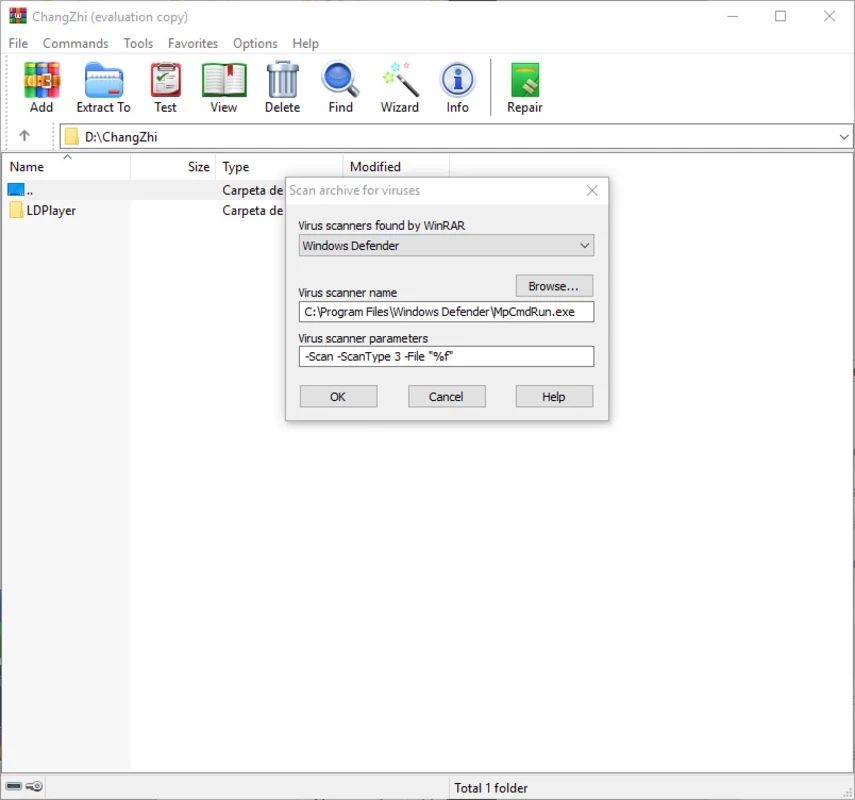
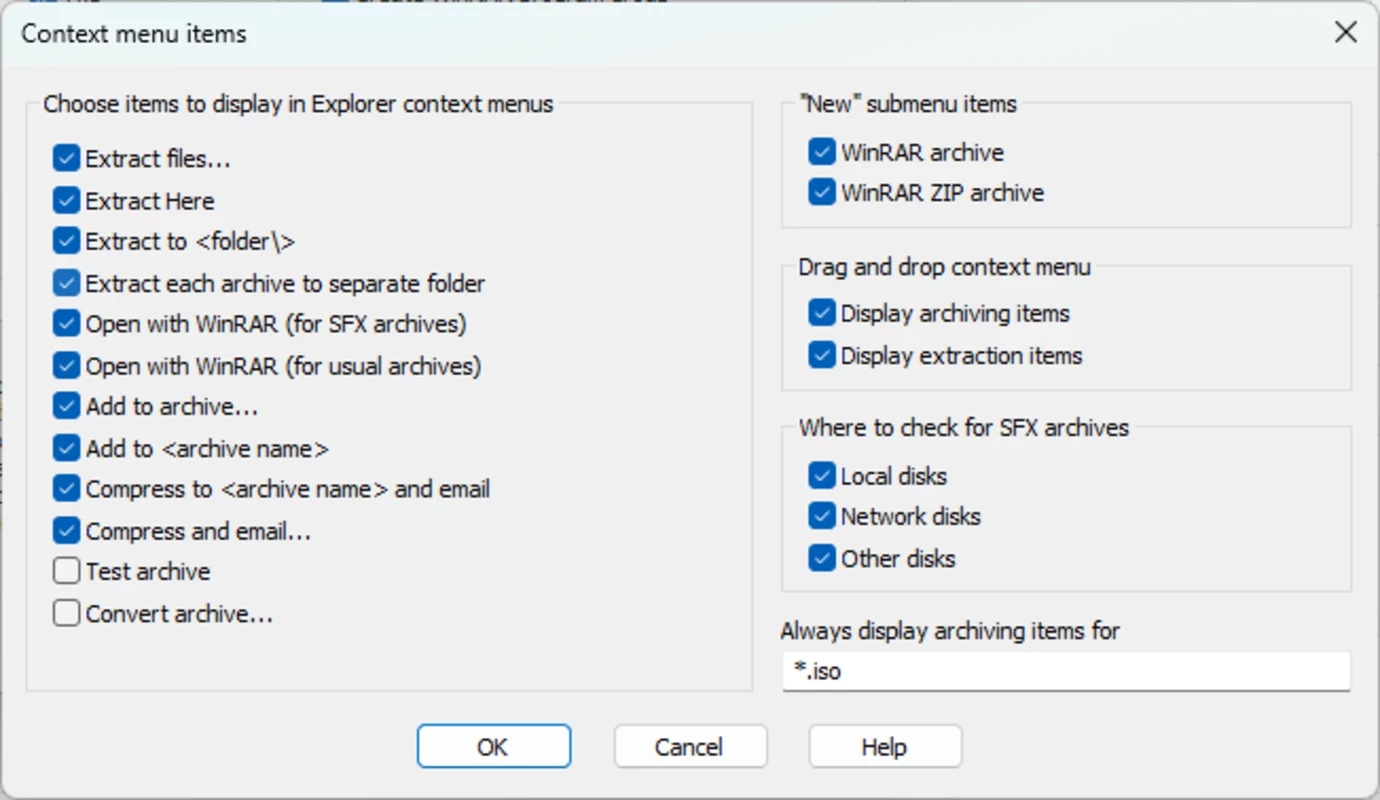
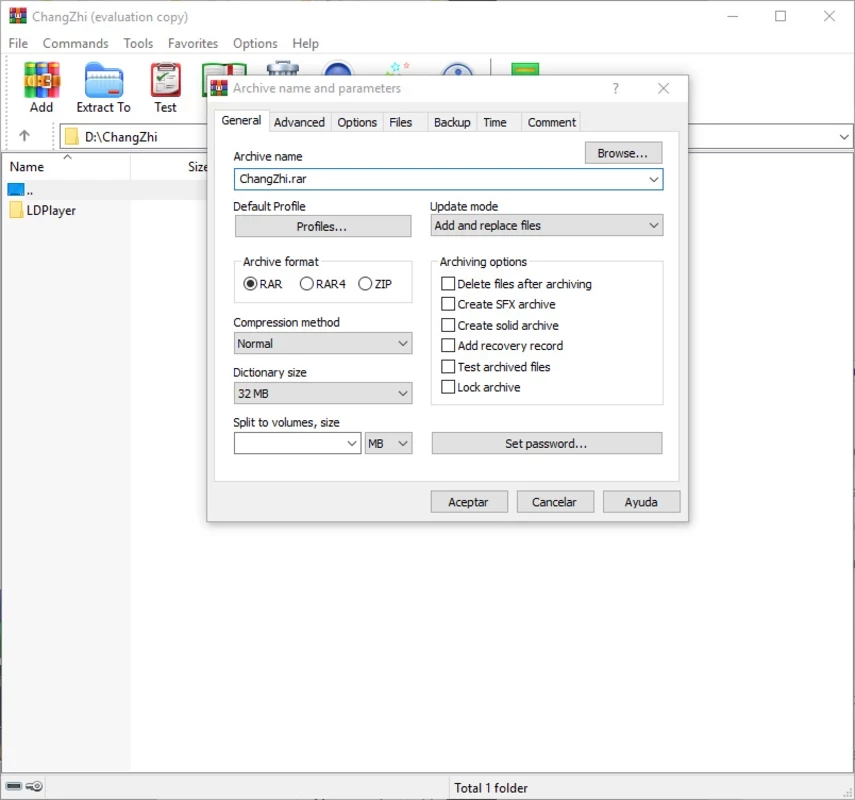
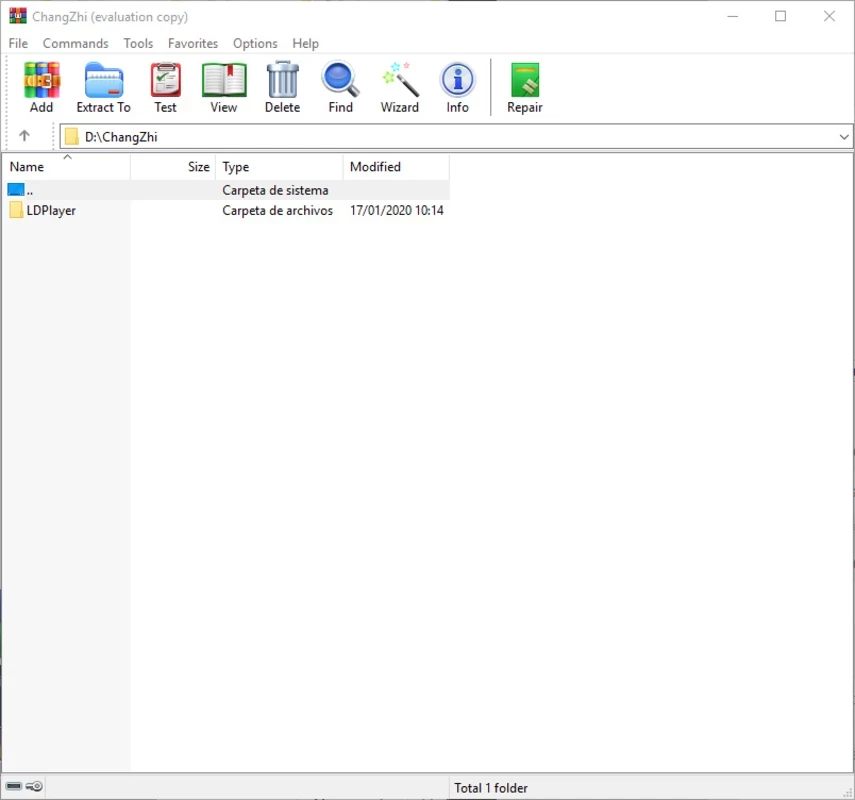
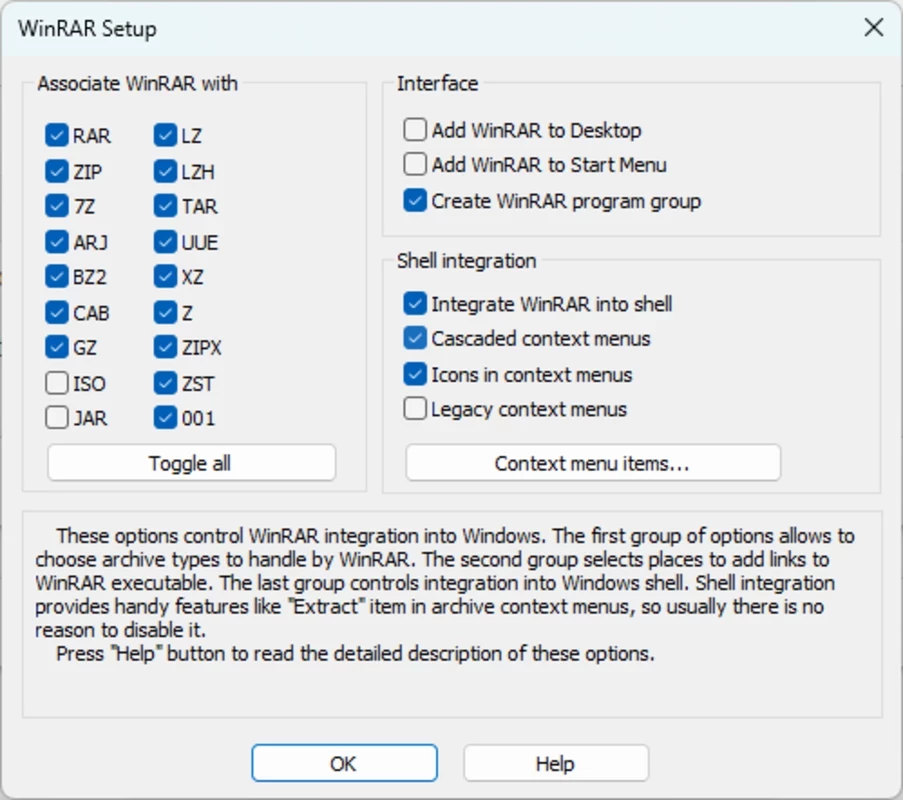
WinRAR 7.23 for Windows is the current release of RARLAB's archive manager, and you can download the trial version from the developer's site. According to catalogue data, the installer is only about 3.59 MB; version 7.23 came out on 30 June 2026.
WinRAR packs files into RAR or ZIP archives and opens most compressed formats you are likely to receive by email or from the web.
The first release goes back to 22 April 1995, which makes WinRAR one of the oldest Windows programs still in active development. It is written in C++ and has kept the same basic idea for three decades: a plain file-manager window where you pick files, click Add and get a single compressed archive, or double-click an archive to see and extract what is inside. The RAR format it created is still widely used for large downloads because it can split an archive into parts and add recovery data that repairs minor damage. For everyday tasks you may never open the main window at all; WinRAR adds commands to the Explorer context menu, so extracting a file is a right-click away. Besides Windows, RARLAB offers versions for Linux, FreeBSD, macOS and Android, where the app is called RAR.
RARLAB lists every change on its What's new page. Version 7.23 is a maintenance release in the 7.x line, so if you already run a 7.x version the upgrade is simply a matter of installing on top.
Not strictly. WinRAR is distributed as a trial under a proprietary license: you can install it and use every function, and after the evaluation period the program reminds you to buy a license. The archives it creates keep working either way, and extracting files does not depend on the license.
Download it only from win-rar.com or rarlab.com, the two official sites. Old versions of archive tools are a known target for attacks, so keep WinRAR updated and be careful with archives from unknown senders, whatever program you open them with.
Windows can open ZIP files on its own, so the question is fair. WinRAR still earns its place if you regularly download software, game mods or large projects packed as RAR, if you need to split a big archive into parts that fit an upload limit, or if you want to protect an archive with a password before sending it. Office users who only receive the occasional ZIP attachment can skip it.
If you only unpack ZIP files now and then, the archive support built into Windows may be enough.
7-Zip is a free, open-source file archiver by Igor Pavlov for packing and unpacking archives. Version 26.03 is the current Windows release.

TeraBox for Windows is the desktop client of Flextech's cloud storage service, used to upload, back up and download files from your PC.
7-Zip is a free, open-source file archiver by Igor Pavlov for packing and unpacking archives. Version 26.03 is the current Windows release.

MEGASync is Mega Limited's desktop app that syncs folders on your PC with MEGA cloud storage. This page covers version 6.6.2.0 for Windows.

Google Drive for desktop keeps files in sync between a Windows PC and Google's cloud. Version 130.0.2.0 is free.